See what gets attention.
Follow visit trends, device categories and referral sources for hosted dynamic links. Find the codes people come back to.
FEATURES
Start with a good-looking code. Keep the content, files and everyday details that matter in one place.
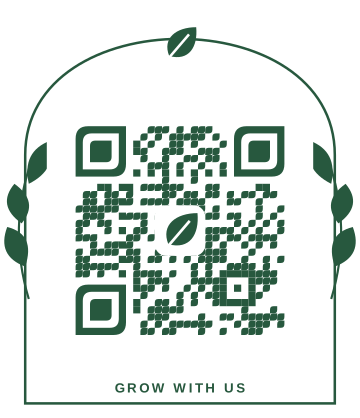 BotanicalOrganic & expressive
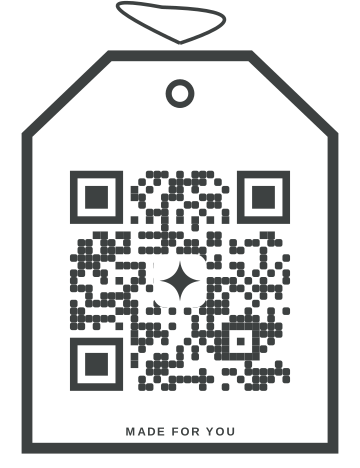 Atelier TagConsidered & refined
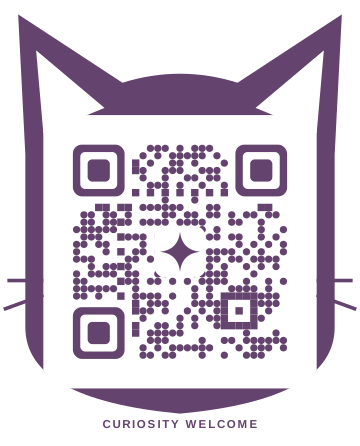 Curious CatA little unexpected
Actual designs from the Scanvoya style collection.
MAKE IT RECOGNIZABLY YOURS
Choose from 244 styles, including a simple Classic. Adjust colors, patterns and corners, then add your logo or an image for a finish that fits your business.
FOR PLANS THAT KEEP MOVING
A seasonal menu. A new offer. An updated guide. With a saved dynamic QR code, your next update can happen in your workspace, without replacing every printed copy.
Dynamic codes use an active Scanvoya redirect. Choose static when you want the destination encoded directly.
Choose the right kind of code The same printed QR
Illustrative link update. Your saved dynamic code keeps its original pattern.
Follow visit trends, device categories and referral sources for hosted dynamic links. Find the codes people come back to.
Keep saved codes in a searchable workspace with folders and tags. Give teammates owner, editor or viewer access.
Download an image for a digital post, vector artwork for a designer or a PDF for a print layout, all from QR codes.
GOOD DESIGN SHOULD WORK, TOO
The QR editor checks your design as you change it, so you can catch readability problems before you share it.
The QR image is read by both ZXing-C++ and jsQR.
Both readers check the complete image at two sizes, including the logo and frame.
All results must match your content before the saved image is approved for download.
Digital checks are a useful first step. Test your final printed code with a phone at the size and on the material you plan to use.
KNOW WHAT YOU’RE CREATING
Choose based on what happens after printing. Both types can be created within your free workspace’s saved-code allowance.
For a destination or message that will stay the same.
The encoded destination is fixed. A linked website or hosted file still needs to remain available.
For menus, campaigns and destinations you may update.
Uses a saved redirect. The Scanvoya service, domain and link need to remain active.
YOUR NEXT CONNECTION STARTS HERE
Start free. Save your first code when you’re ready.