For packaging
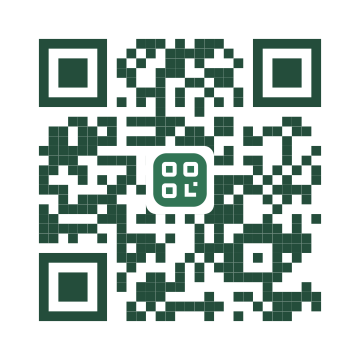
A dark green pattern with room around the mark.
Make the next scan feel like your brand. Add your website, upload a logo and adjust the colors, with a live preview and scan checks as you design.
YOUR BRAND, WITHIN REACH
Use your own logo for packaging, appointment cards or counter signs. These examples use the Scanvoya mark, not customer brands.
A dark green pattern with room around the mark.
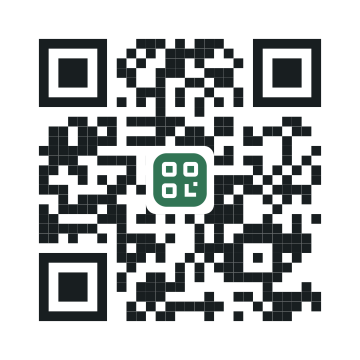
A simple black pattern that suits a compact layout.
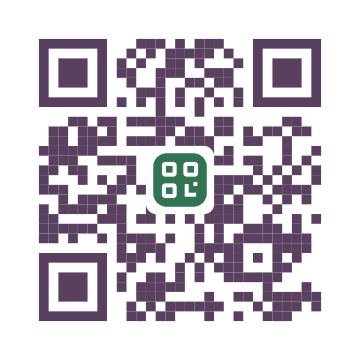
A deeper brand color against a light background.
Illustrative designs linking to scanvoya.com. Upload your own mark in the editor; these samples do not change your design.
FROM LOGO TO FINISHED PRINT
The preview helps you design. A phone scan of the final material tells you how it works in context.
Enter your website above and choose Upload your logo. Use a clear PNG, JPG or WebP; a simple mark usually survives reduction better than a full wordmark with small text.
Set your colors and logo size in the editor. Keep the three corner markers and the clear outer border visible. If a scan check fails, reduce the logo or increase contrast.
Save to your account, then download from QR codes. Try the final image on multiple phones and test a print at its intended size, distance and lighting before ordering more.
Use a PNG, JPG or WebP up to 20 MB. Transparent PNG is useful for a mark without a rectangular background. Images are optimized before saving. SVG logo uploads are not supported; export a PNG copy from your design tool.
It can. A logo covers part of the pattern, and a very large or low-contrast design can fail to decode. Scanvoya uses high error correction and checks the rendered design, but this is not a guarantee for every camera, print size or lighting condition. Keep the logo modest and test the final download on more than one phone.
Yes. Choose a dark code color against a light, plain background. Similar foreground and background colors reduce contrast. If a brand palette is very light, use its darker shade for the pattern and keep the brighter color in the surrounding artwork.
No. Logo and color choices affect appearance. The Dynamic QR code switch controls whether you can change the destination later. A dynamic link requires an active trial or membership; a downloaded static code keeps its original address.
Download SVG for a scalable QR pattern or PDF for a print layout, and PNG when your design tool needs a raster image. An uploaded logo remains a raster image even inside SVG, so start with a sharp source. Test the actual printed size before producing a batch.
CLEAR FROM THE START
Your 7-day trial begins with your first saved QR code, barcode or smart link. It includes 5 saved items in total. No credit card is required to start.
After the trial, membership is required for new saves, downloads and active dynamic links. Membership includes unlimited saved items at US$14/month or US$88/year, plus applicable tax. It renews automatically until canceled.